
Website Development Steps: A Complete Guide to Building a Professional Website
- 12 May 2026
- By Arman Raya
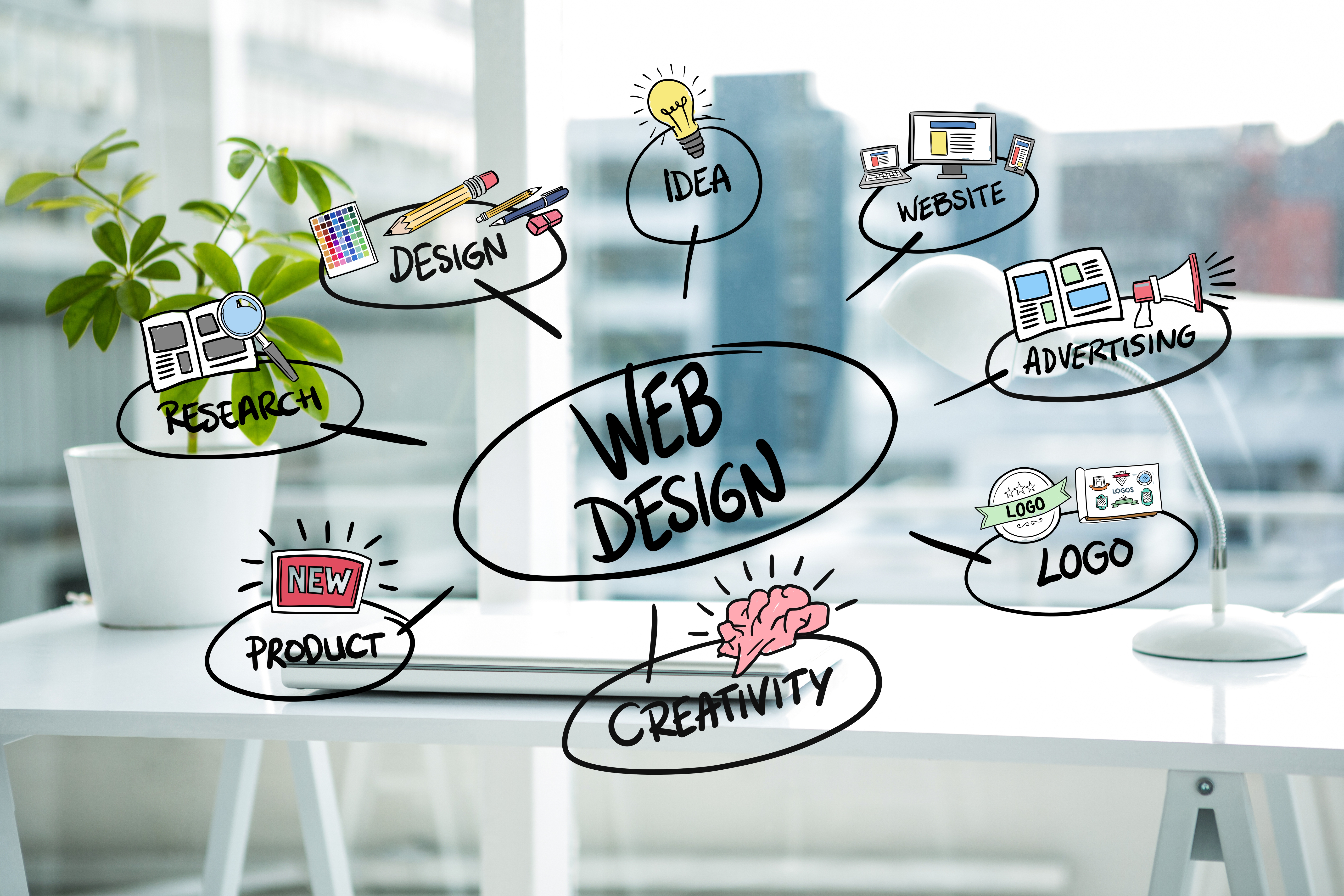
Today, having a professional website is essential for any business, personal brand, or online shop. However, many people don’t know exactly what the steps of building a website are or where the design
Today, having a professional website is essential for any business, personal brand, or online shop. However, many people don’t know exactly what the steps of building a website are or where the design process actually begins. In this article, we’ll walk through all the stages of website creation so you can clearly understand how a professional website is built from start to finish.
Why Having a Website Matters
A professional website can:
- Increase your brand credibility
- Attract new customers
- Enable online sales
- Showcase your services and portfolio
- Stay accessible to users 24/7
That’s why understanding the steps of website development is so important.
Step 1: Define the Purpose of Your Website
Before designing anything, you must determine why you need a website. The type of website directly affects the design, features, and cost.
Common website types:
- Corporate website
- Online store
- Personal website
- Educational website
- Blog
- Service-based website
In this stage, answer these key questions:
- Who is your target audience?
- What are the users’ needs?
- What features does the website require?
- Is your primary goal sales or service introduction?
Step 2: Choosing a Domain and Hosting
Selecting the Right Domain
The domain is your site’s address, such as:
example.com
Characteristics of a good domain:
- Short and simple
- Easy to type
- Relevant to your brand
- Easy to remember
Buying Hosting
Hosting is where your website’s files are stored. The quality of your hosting impacts the site’s speed and security.
Important factors when choosing hosting:
- High speed
- Strong technical support
- Strong security
- High uptime
- Upgrade options
Step 3: Designing the Website Structure
In this phase, the overall architecture of the website is developed. This process is also known as UI/UX planning.
Key structure elements:
- Homepage
- About Us
- Services
- Contact Us
- Blog
- Shop
The goal is to create a user-friendly experience and ensure easy navigation.
Step 4: UI Design (User Interface)
The UI determines the look and feel of your website. Professional design increases user trust in your brand.
Important UI factors:
- Proper color scheme
- Readable typography
- Responsive design
- Fast loading speed
- Clear and visible buttons
Since most users browse via mobile, responsive design is crucial.
Step 5: Website Development and Coding
After the UI design is approved, coding begins. In this part, the site’s features and functionalities are implemented.
Common languages and technologies:
- HTML
- CSS
- JavaScript
- PHP
- React
- Laravel
- WordPress
Depending on the project, the website can be built from scratch or using a CMS.
Step 6: Content Creation
Content is one of the most important elements of any website. Without quality content, even the most beautiful websites will not succeed.
Types of content:
- Page text
- Images
- Videos
- Blog articles
- Product descriptions
The Role of SEO in Content Writing
Content must follow SEO best practices to perform well in Google search results.
Important SEO principles:
- Using keywords strategically
- Creating effective titles
- Internal linking
- Image optimization
- Readability
Step 7: Website Testing and Review
Before launching the site, everything must be thoroughly tested.
What to check:
- All forms
- Website speed
- Mobile responsiveness
- Security
- All links
- Display across different browsers
This step prevents potential issues after launch.
Step 8: Launching the Website
After testing and finalizing everything, the website goes live on the main server.
Typical launch tasks:
- Connecting the domain
- Installing SSL
- Registering the website on Google
- Setting up Google Analytics
- Setting up Google Search Console
Step 9: SEO and Website Optimization
Once the site is online, SEO becomes the focus. SEO helps increase traffic and attract customers from search engines.
Core SEO Activities
On?Page SEO
- Content optimization
- Speed improvement
- Clear page structure
Off?Page SEO
- Link building
- Social media activity
- Online branding
Technical SEO
- Code optimization
- Mobile compatibility
- Security
Step 10: Website Maintenance and Updates
Building the site is not the end. A professional website requires ongoing maintenance and updates.
Key maintenance tasks:
- Updating plugins and tools
- Regular backups
- Fixing technical issues
- Adding new content
- Enhancing security
How Much Does a Website Cost?
The cost depends on several factors:
- Website type
- Required features
- Custom vs template design
- SEO requirements
- Content creation
- Ongoing support
Therefore, pricing can range widely—from a few hundred dollars to several thousand.
Custom Website or WordPress?
WordPress Website Benefits
- Lower cost
- Faster development
- Easy management
Custom Website Benefits
- Fully customizable features
- Higher security
- Maximum flexibility
The best option depends on your specific business needs.
Conclusion
The process of building a website includes planning, design, development, content creation, SEO, and maintenance. A professional website is not just visually appealing—it must be fast, secure, user-friendly, and optimized for search engines.
If you plan to launch a website for your business, clearly defining your goals and needs will help you achieve the best possible result.
- Tags:
- Website Creation Steps
- How To Build A Website
- Website Design Process
More Related Articles
Explore more insights on design, development, SEO, and digital products from the Arman Raya team.

How to Create a Website That Reflects Y…
- 26 Oct 2026
- By admin

How to Build Customer Trust on Your Web…
- 14 Jun 2026
- By Arman Raya

Why Doesn’t Your Website Generate Sales?
- 28 May 2026
- By Arman Raya

Comprehensive Guide to Designing Educat…
- 26 May 2026
- By Arman Raya

Lawyer Website Design with the Django F…
- 24 May 2026
- By Arman Raya
Website Design for Real Estate: A Smart…
- 16 May 2026
- By Arman Raya

Why Do Doctors Need a Website?
- 14 May 2026
- By Arman Raya

Website or Instagram for Business? A Co…
- 13 May 2026
- By Arman Raya